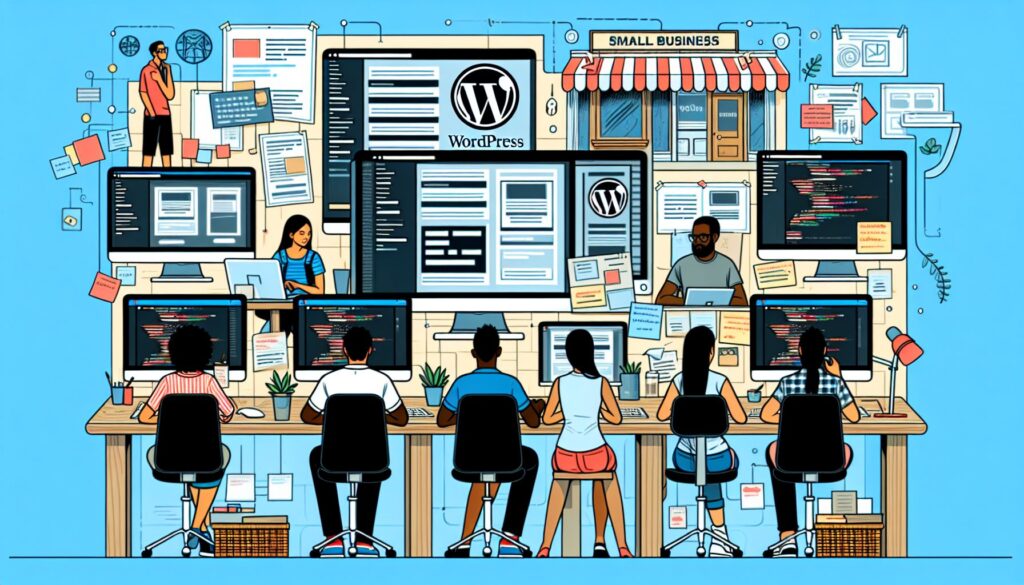

Website design and development can appear daunting, especially for small businesses. However, with platforms like WordPress, even small businesses can now effortlessly create elegant and user-friendly websites. This article offers comprehensive insights into designing websites for small businesses using WordPress.
Why WordPress?
Before diving into how to design a small business website, it’s worthwhile to understand why WordPress is a preferred platform. WordPress offers features like easy customization, an extensive plugin library, and supreme scalability, making it an ideal choice for small businesses. Beyond that, it is also SEO-friendly, enhancing your chances of ranking higher on search engines.
Deciding the Look and Feel of Your Website
First, you need to decide how you want your website to look. This involves choosing an appropriate theme that fits your brand personality. WordPress offers hundreds of free and paid themes, customizable to the minutest detail. Remember, your website represents your brand in the digital world. Therefore, its design should align with your business ethos, values, color scheme, and overall aesthetic.
Building Your Website
After choosing a theme, you can start adding pages to your website, such as ‘About Us’, ‘Services’, ‘Contact Us’, and a ‘Blog’ if needed. WordPress makes this task incredibly straightforward. Make sure your website is not cluttered. Maintain a balance between text and visual content to ensure your website is engaging and easy to comprehend.
Front Page
The home or the front page is the first page your visitors will see. Hence, it should be enticing and informative. A good practice is to include a brief summary of your business and its services on the home page, along with compelling Call-to-Action (CTA) buttons.
About Page
Use the ‘About Us’ page to give a more personal touch to your business. You can share your story, mission, visions, and values here. Let your visitors know what sets your business apart from others.
Services
By creating a dedicated ‘Services’ page, you can explain the services you offer in detail. Make sure to articulate your services clearly, mentioning the benefits they can bring to your customers.
Contact Page
The ‘Contact Us’ page is critical for facilitating communication between you and your customers. Make sure to include various ways your customers can reach out to you. WordPress offers easy-to-use contact form plugins you can make use of.
Blog
Maintaining a blog can be beneficial in terms of SEO and enhancing customer engagement. WordPress started as a blogging platform, so you can imagine how easy and flexible it makes managing your blogs!
SEO For Your WordPress Website
Small businesses need to optimize their website for search engines to increase their visibility. WordPress’s plugins, like Yoast SEO, can guide you with your SEO efforts. They help you add Meta titles, Meta descriptions, and key phrases conveniently.
Testing and Publishing
Before launching your website, it’s crucial to test it. This includes checking your website’s responsiveness, load speed, and usability. WordPress plugins make this task manageable. Post-testing, you can make your online debut with confidence!
Conclusion: WordPress Makes Website Designing Effortless
In conclusion, WordPress simplifies website designing, even for those without any technical background. If you are a small business looking to establish or upgrade your digital footprint, consider WordPress for creating an attractive, responsive, and SEO-friendly website. Don’t forget, the key to an impactful online presence is maintaining a balance between aesthetic design and functionality.
Embrace the digital world with WordPress, and let your small business achieve big successes!